Mesh Wi-Fi or a New Router? Diagnose the Dead Spot First
Use three simple comparisons to separate an internet problem from weak Wi-Fi coverage before spending money on a router or mesh system.

Your internet works well in the living room and struggles at the desk where you take calls. A faster broadband plan is tempting, and so is a box promising whole-home Wi-Fi. First find out which part of the connection needs help.
Compare the connection at the router with the connection in the problem room. Mesh equipment can address a coverage problem, but it cannot create an internet service faster than the one reaching your home.Make three observations
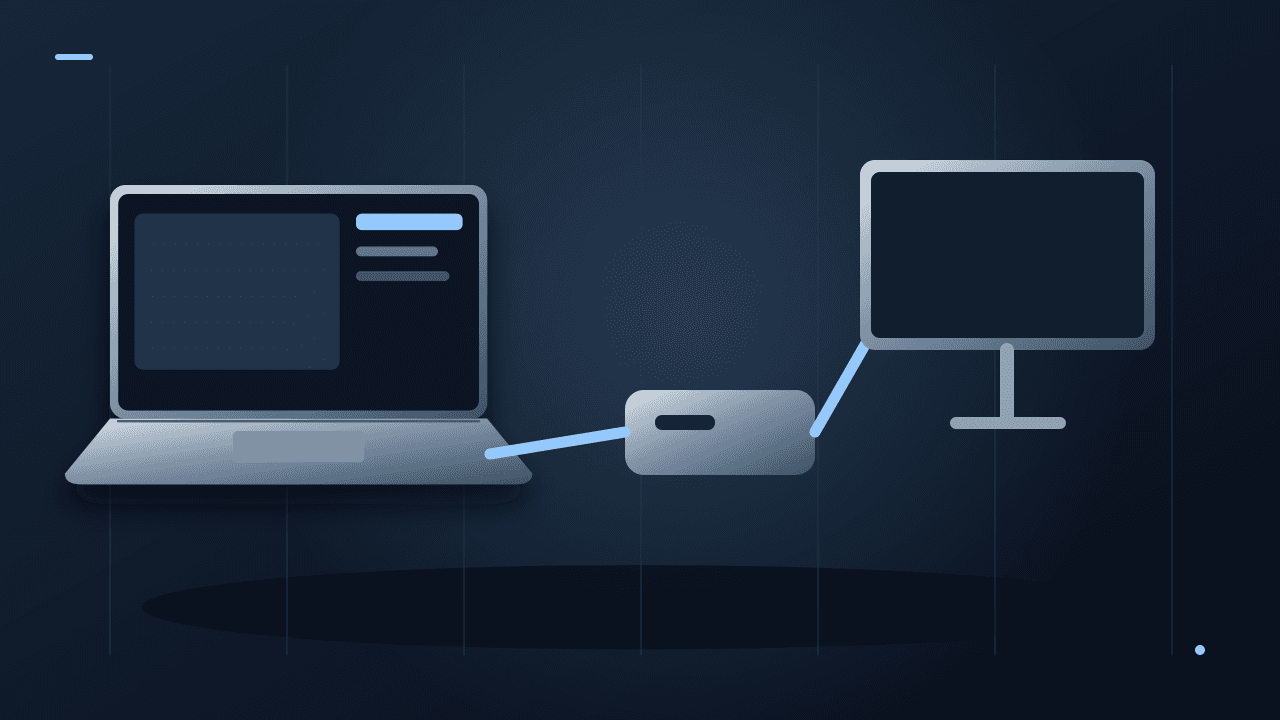
If you have a compatible computer and cable, test through a LAN port on your existing router—not directly on an unfamiliar modem connection. Then test Wi-Fi close to the router and again at the troublesome desk, using the same wireless device and test service.
Repeat at the time the problem usually happens. Note whether other people are streaming, uploading or downloading. One speed-test result is a snapshot, not a complete diagnosis of intermittent calls or congestion.
| Location | Download/upload | What happened in a real call? |
|---|---|---|
| Wired to router, if available | Your result | Your observation |
| Wi-Fi near router | Your result | Your observation |
| Wi-Fi at problem desk | Your result | Your observation |
These blank cells are intentional. We have not measured your network. If the wired connection is also consistently poor, investigate the router, service and provider before assuming distant-room coverage is the sole problem.
Try placement before purchasing
Move the router into a more open position if the cabling and household setup permit it. Avoid hiding it behind a television or inside a cupboard merely to make the room look tidier. Change one location and repeat the same observations.
Google's guidance for Nest Wifi recommends an open, elevated position and explains that walls and other obstructions affect placement. For its mesh points, it advises positioning them partway toward the weak area, with a strong connection between points. Google's placement guidance illustrates the principle; exact layout advice depends on the system and building.
A wireless mesh point placed inside the worst dead spot may have trouble communicating with the rest of the network. It needs a useful upstream connection as well as proximity to your laptop.
When mesh makes sense
Mesh deserves consideration when the main connection is satisfactory and several rooms or floors remain poorly covered after reasonable placement changes. Check whether the system supports a wired connection between units if your home has suitable Ethernet cabling.
The link between mesh units is often called backhaul. Ask how the shortlisted system handles it and whether the advertised performance assumes a particular arrangement. More boxes do not automatically produce a better network.
For Google systems, the mesh test checks the connection between network devices rather than simply repeating the internet speed test. Google's mesh-test explanation helps distinguish these measurements. Other brands have their own tools.
When another option may be better
If only one stationary computer needs a reliable link, an Ethernet cable may solve that specific problem more directly. If the current router is defective, unsupported or missing a capability you need, replacement may be justified—but document that reason.
If all devices slow down at the same busy time even near the router, collect repeated results and discuss them with the provider. If only one laptop struggles while another works at the same desk, investigate that laptop before buying equipment for the whole house.
Check compatibility and the real setup cost
Verify that expansion units work with your existing system; matching brand names do not guarantee compatibility. Include extra units, cables and any installation work in the price. Check whether the provider's supplied box must remain and follow the manufacturer's supported connection arrangement.
Buy from somewhere with a practical return policy because construction and layout matter. Your acceptance test should be the activity you needed to fix: a stable call at your desk, not just a high number beside the router.
If video calls remain unclear after the network is reliable, our headphone call-quality guide helps investigate the audio side.
Documentation-based diagnosis plan, checked October 8, 2026. No home-network coverage or router throughput tests were conducted.About the author
UbedullaFounder & Editor
Founder and editor of The Bot Post, covering AI news and technology.