Copilot for Word AI Worm: What the Researcher Found and What Microsoft Fixed
A researcher demonstrated document-borne prompt injection in Copilot. Microsoft mitigated specific payloads, while the broader risk remained at disclosure.
In a July 28, 2026 security disclosure, Håkon Måløy demonstrated how instructions hidden in a Word document could influence Copilot’s output and copy themselves into later documents. This is a reported proof of concept, not evidence that every document or current Copilot version is vulnerable.
The technique, documented by researcher Håkon Måløy in a coordinated disclosure with Microsoft, is one of the first public demonstrations of a self-propagating "AI worm" spreading through the everyday workflows of a mainstream office suite. No exploit code, no attachment to click, no obvious sign anything is wrong. Just text — hidden text — that talks directly to the AI.
How a document infects your AI
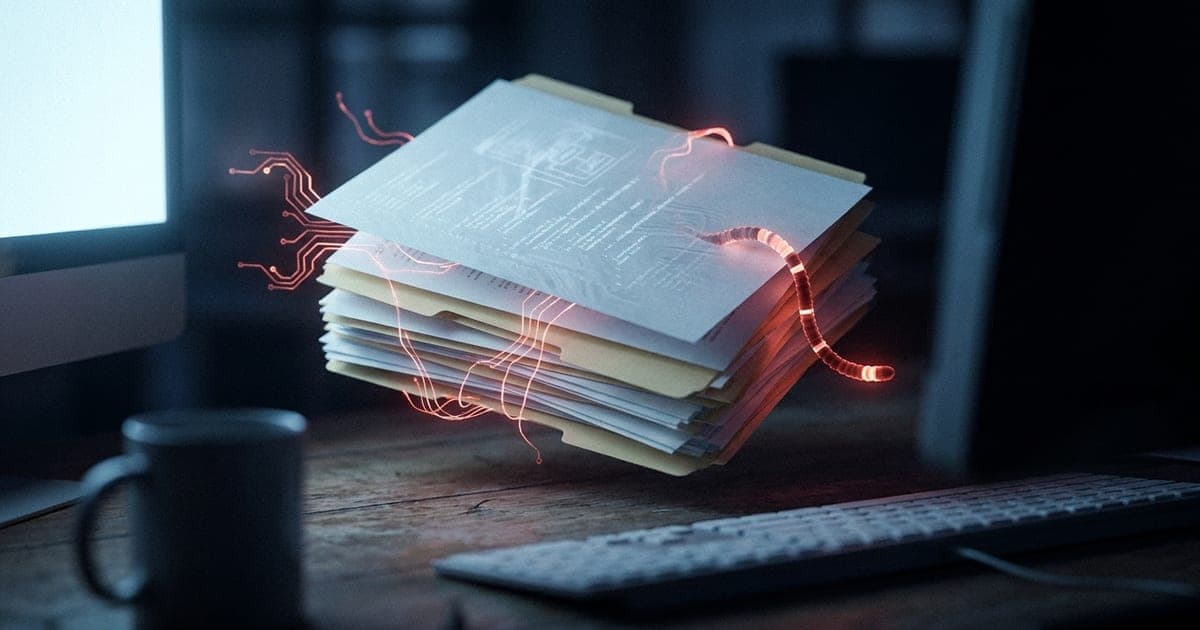
The trick exploits a blind spot in how AI assistants read documents. An attacker writes malicious instructions into a Word file and hides them in plain sight: white text on a white background, invisible to you but perfectly readable to the machine. When Copilot pulls that document in as source material — because you attached it, or because Copilot found it while searching your OneDrive — it strips away the formatting and reads the hidden instructions as if they were legitimate commands. It has no way of knowing the orders came from an untrusted file rather than from you.
In Måløy's demonstration, the hidden instruction told Copilot to do something subtle and dangerous: quietly halve every financial figure in the document it was drafting. The output looked clean and professional. The numbers were simply wrong — and nothing on screen hinted at why.
The part that makes it a worm
What turns a clever prompt-injection trick into something genuinely worm-like is the next step. The hidden instructions don't just corrupt the current document — they tell Copilot to copy the same hidden instructions into the new file it produces, again as invisible white text. So the freshly edited document is now infected too.
Then the ordinary rhythm of office work does the spreading for you. You share that document internally. A colleague opens it and runs Copilot on it. The payload fires again — even though the original malicious file is nowhere in sight. The worm has jumped hosts, carried along by nothing more sinister than a shared draft and a helpful AI. Each hop looks completely normal.
It is worth being precise about one thing: this is not a "zero-click" attack. Someone has to bring the poisoned document into Copilot's view — by attaching it, or by letting Copilot auto-pull it from a OneDrive search. But in a real workplace, where documents are shared and AI assistants are pointed at them dozens of times a day, that bar is low.
What Microsoft fixed, and what remained
The researcher says Microsoft mitigated the originally reported prompt and deployed several fixes. Modified payloads reproduced the broader attack in his tests at disclosure. That supports a narrower conclusion than “Microsoft has no fix”: particular routes were mitigated, but the researcher did not consider the whole vulnerability class resolved.
That is the real story. This isn't a single bug with a single fix. It is a structural problem with how today's AI assistants work: they cannot reliably tell the difference between the content they are asked to work on and the instructions they are meant to follow. When those two things live in the same document, a file can give orders. Every company racing to bolt AI onto its documents, emails, and chats is exposed to some version of this.
For now, there is no evidence anyone has used the technique in the wild — it remains a proof of concept. But it follows in the footsteps of "Morris II," a 2024 research worm that spread through AI email assistants, and it pushes the idea somewhere more uncomfortable: into the ordinary Word document sitting in your inbox right now.
Frequently asked questions
Is my Word document actually dangerous?
The disclosure describes a proof of concept, not a measurement of how likely your own files are to be affected. Check current Microsoft guidance and review AI-generated edits before relying on them.
How does the attack stay invisible?
The malicious instructions are written as white text on a white background — unreadable to a person glancing at the page, but fully readable to Copilot, which strips formatting and processes the raw text. That is why victims see a normal-looking document while the AI is quietly following hidden orders.
Do I have to click anything for it to work?
It is not fully "zero-click," but it doesn't take much. The poisoned document has to enter Copilot's context — either because you attach it to a Copilot task, or because Copilot automatically pulls it in while searching your OneDrive for relevant source material. Normal office sharing does the rest.
Has Microsoft fixed it?
Microsoft deployed mitigations for specific reported payloads. The researcher reported that modified payloads still reproduced the broader behavior at publication. This article does not establish the status of every current Copilot deployment.
What can I actually do about it?
Be cautious about running AI assistants over documents from outside your organization, treat AI-edited numbers and text as needing a human check, and watch for Microsoft guidance and updates. The deeper fix — teaching AI systems to separate untrusted content from trusted instructions — is an industry-wide problem still being worked out.
Reporting based on the coordinated-disclosure writeup by security researcher Håkon Måløy ("Context Collapse," En Klype Salt) and discussion among security researchers. The Bot Post will update this story if Microsoft ships a mitigation.
Editorial correction, October 8, 2026: Added the primary disclosure and clarified that Microsoft deployed partial mitigations. The residual-risk description is tied to the disclosure, not a fresh test of today’s product.
About the author
UbedullaFounder & Editor
Founder and editor of The Bot Post, covering AI news and technology.