16GB or 32GB RAM? Choose for the Work You Actually Do
Decide whether 16GB laptop memory is enough or 32GB is worth buying, using your real applications, multitasking and upgrade options.
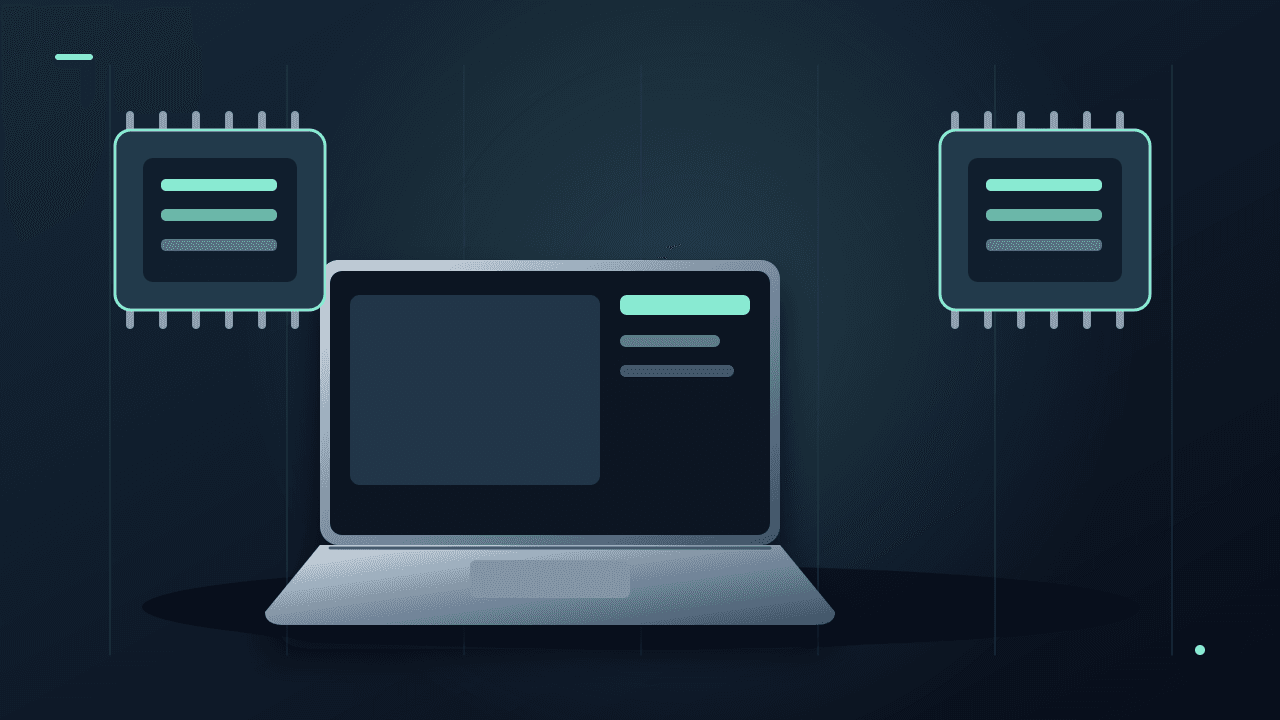
A laptop with 32GB of memory looks safer on a comparison page. That does not establish whether it is the best use of your budget. If your daily work fits comfortably in 16GB, a better screen or a more suitable processor may improve your experience more.
Start with your heaviest normal workload and whether the memory can be upgraded later. Consider 32GB when your actual applications, simultaneous projects or virtual machines justify it. Do not buy it solely because a shopping page calls 16GB obsolete.Separate memory from storage
RAM is the working space applications use while running. SSD capacity is where files and installed software live. A 1TB SSD does not give a 16GB laptop the same memory capacity as a 32GB model, and adding RAM does not create more room for your photo archive.
If the complaint is “I cannot install another game,” investigate storage. If it is “switching between my editor, browser and virtual machine stalls everything,” investigate the workload more closely. Both problems can occur on the same laptop, but the purchase that addresses one may not address the other.
Observe a normal busy session
Open the applications and files you genuinely use together. Keep the video meeting running if that is part of the day. Do not create an artificial workload of hundreds of tabs simply to make the smaller specification fail.
On a Mac, Activity Monitor's Memory view includes memory pressure and swap information. Apple explains that memory pressure combines several factors; a nearly full memory total alone is not a complete diagnosis. Apple's memory-monitoring guide describes the indicators.
Record when the slowdown happens and whether closing one demanding workload changes it. On Windows, inspect Task Manager's memory view alongside the actual symptoms. A snapshot taken while nothing important is open tells you little about the busiest part of your day.
This is a suggested observation process, not a controlled comparison. Processor, storage, temperature and the app itself can also affect responsiveness. Do not attribute every delay to RAM merely because memory use is high.
Check requirements for the exact application and platform
Adobe's current Premiere requirements illustrate why one rule is insufficient: its Windows recommendations distinguish 16GB for HD media from 32GB or more for 4K and above, while its Apple-silicon recommendation is expressed differently. These are vendor recommendations, not a universal guarantee for every project. Read the current Premiere requirements for your platform.
For development, list the containers, emulators or virtual machines that run simultaneously. For creative work, include source files, previews and the other applications you keep open. A job title such as “student” or “designer” is not a workload specification.
When 16GB is a reasonable starting point
A shortlist with 16GB can make sense for document work, browser-based tasks, calls and lighter projects when the relevant applications support it comfortably. Check a realistic demonstration and the return policy rather than assuming every laptop with that number performs identically.
If the extra memory would force you into an unsuitable screen, poor keyboard or inadequate storage, price the whole compromise. Memory you do not use cannot compensate for a display that makes your actual work difficult.
When paying for 32GB is easier to justify
The larger tier deserves attention when current work already strains the smaller capacity, demanding applications recommend it, or several substantial workloads must stay open together. It can also be a sensible risk reduction on a laptop with non-upgradeable memory you intend to keep for years.
Check the exact configuration's service manual before assuming an upgrade is possible. Some machines have soldered memory; others have slots, capacity limits or partly soldered arrangements. A product family name alone is not enough.
Make the premium concrete
A hypothetical ₹12,000 memory upgrade over four years costs ₹250 per month. Ask whether it removes an inconvenience you actually expect. If you cannot name one, keep researching rather than describing the purchase vaguely as future-proofing.
For storage decisions, use our separate 512GB versus 1TB guide. Allocate money to the constraint that limits your work.
Documentation checked October 8, 2026. Workload guidance and cost examples are editorial analysis; no 16GB-versus-32GB performance benchmark was conducted.About the author
UbedullaFounder & Editor
Founder and editor of The Bot Post, covering AI news and technology.